Not Everything Happens on a Screen
Hybrid activities with and without a tablet: combining materials, recording what happens, and studying transfer without confusing data with conclusions.
Read moreInterlaza shows the child what to look for, gives the help you chose and takes it away as they get it right, and notes every answer together with the help that came with it. When you sit down to review, the session is already written up: what the child did alone, where they needed a hand, and what to check next.
Match-to-sample: the child sees one thing and finds it among several · help that fades as they get it right, on a rule you set beforehand · one row per trial, exportable whole
Free for everyone during the testing phase, until 30 November 2026 — no payment required.
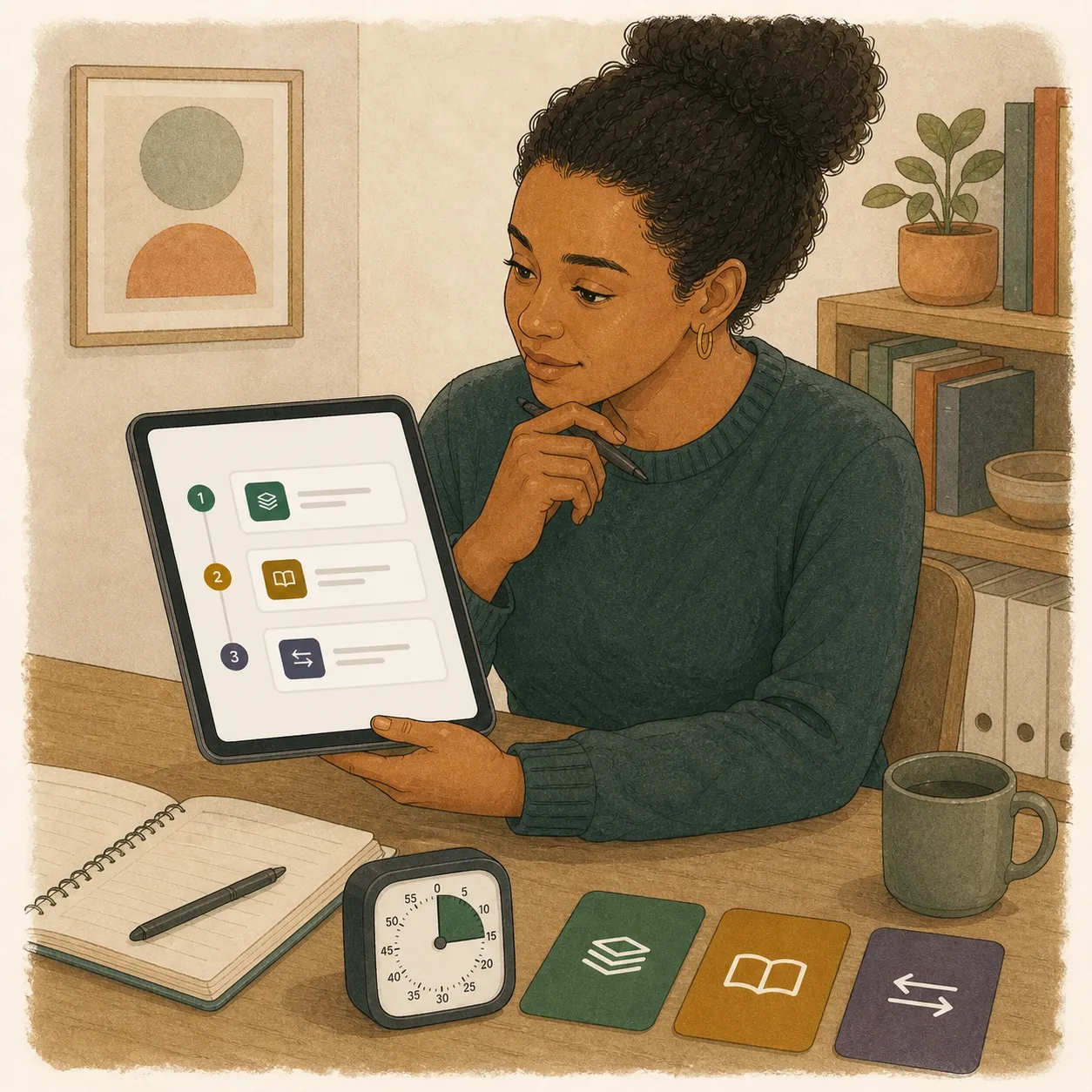
Less time writing things up, laying out materials and reconstructing what happened — so the review starts with the evidence already in front of you.

From identity matching to equivalence relations and relational frames — all in one adaptive platform.
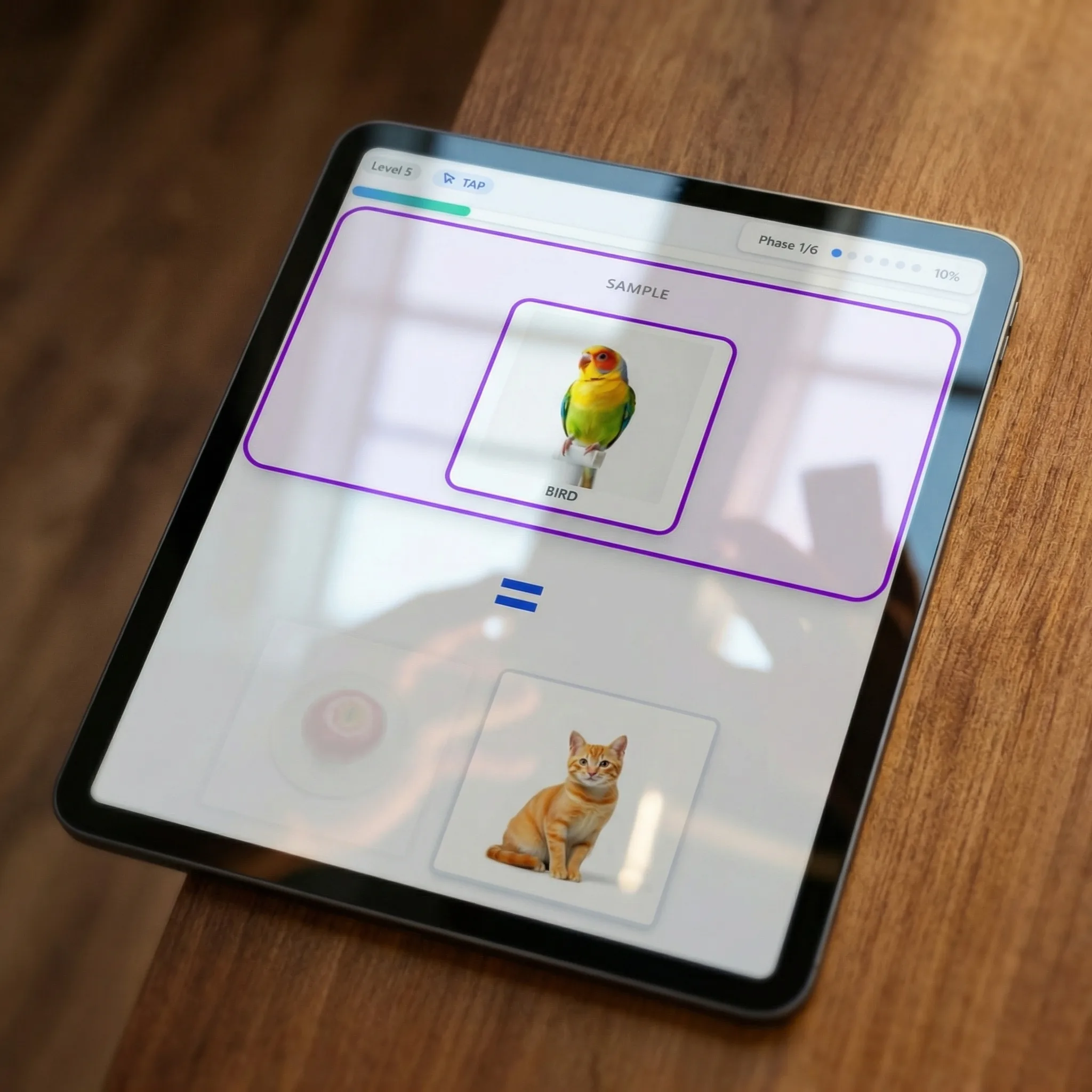
Identity matching · Non-identical matching · Symbolic (word→image) · Auditory (sound→image) · Equivalence, relational frames, and more. Each type adapts its difficulty automatically based on the child's real-time performance.
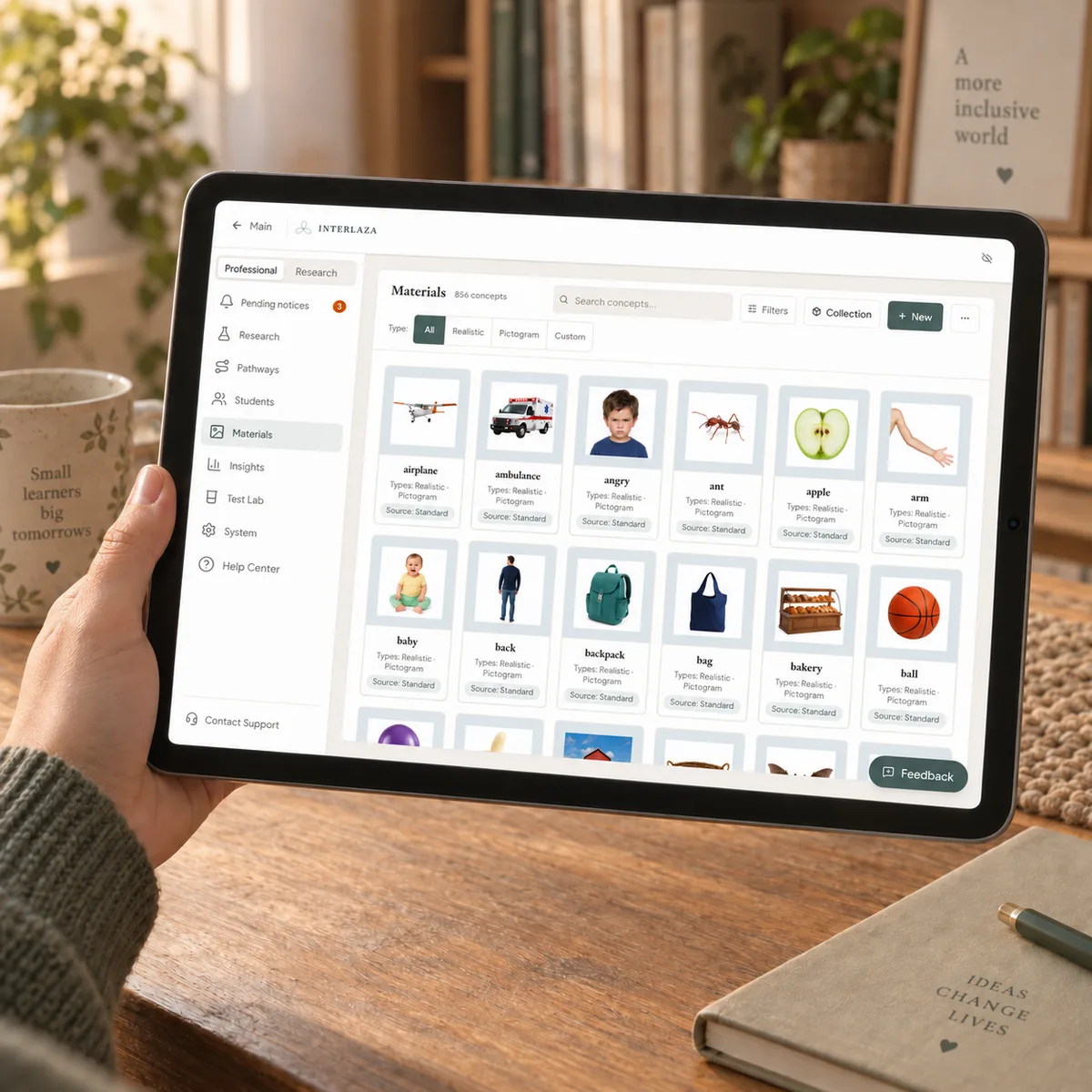
Our own library — more than 2,100 images across realistic photographs, pictograms, and scenes, plus geometric shapes and sounds. Created and curated for this platform, organized by category, animacy, size, and frequency. Add your own photos or AI-generated images at any time.
Sometimes the child works with physical cards, real objects, spoken language, or in a setting where a tablet doesn't fit. Interlaza tells the instructor exactly what to present next and how many trials to run, then captures each response from the instructor's phone — independent, prompted (with prompt type), incorrect, or no response. Same trial-by-trial data as a tablet session, with the program doing the planning.
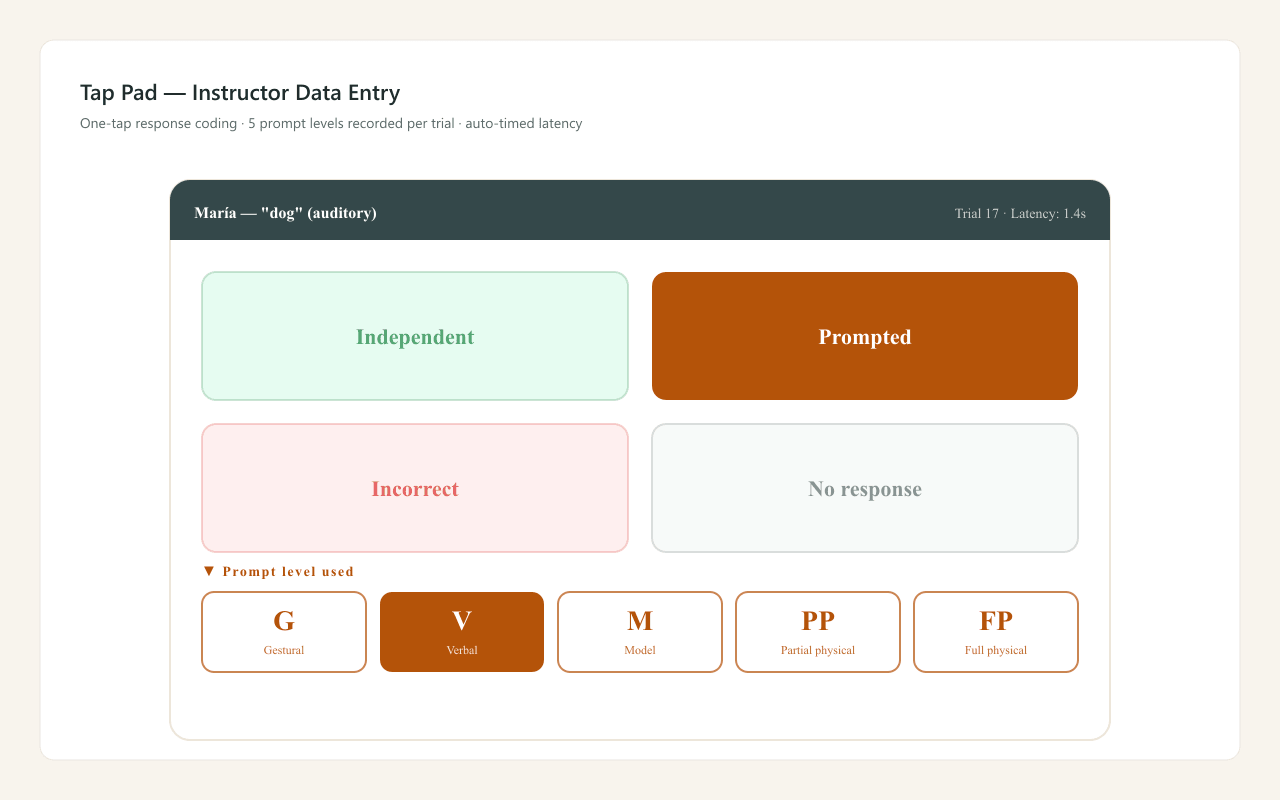
The header shows which card is the sample and which is the target (ringed in amber), plus the trial counter — Interlaza picks the next stimulus and the number of trials based on the child's mastery level. Four zones below — Independent, Prompted (with five prompt types), Incorrect and No Response — let the instructor record each response with one tap, eyes on the child, not on the screen.
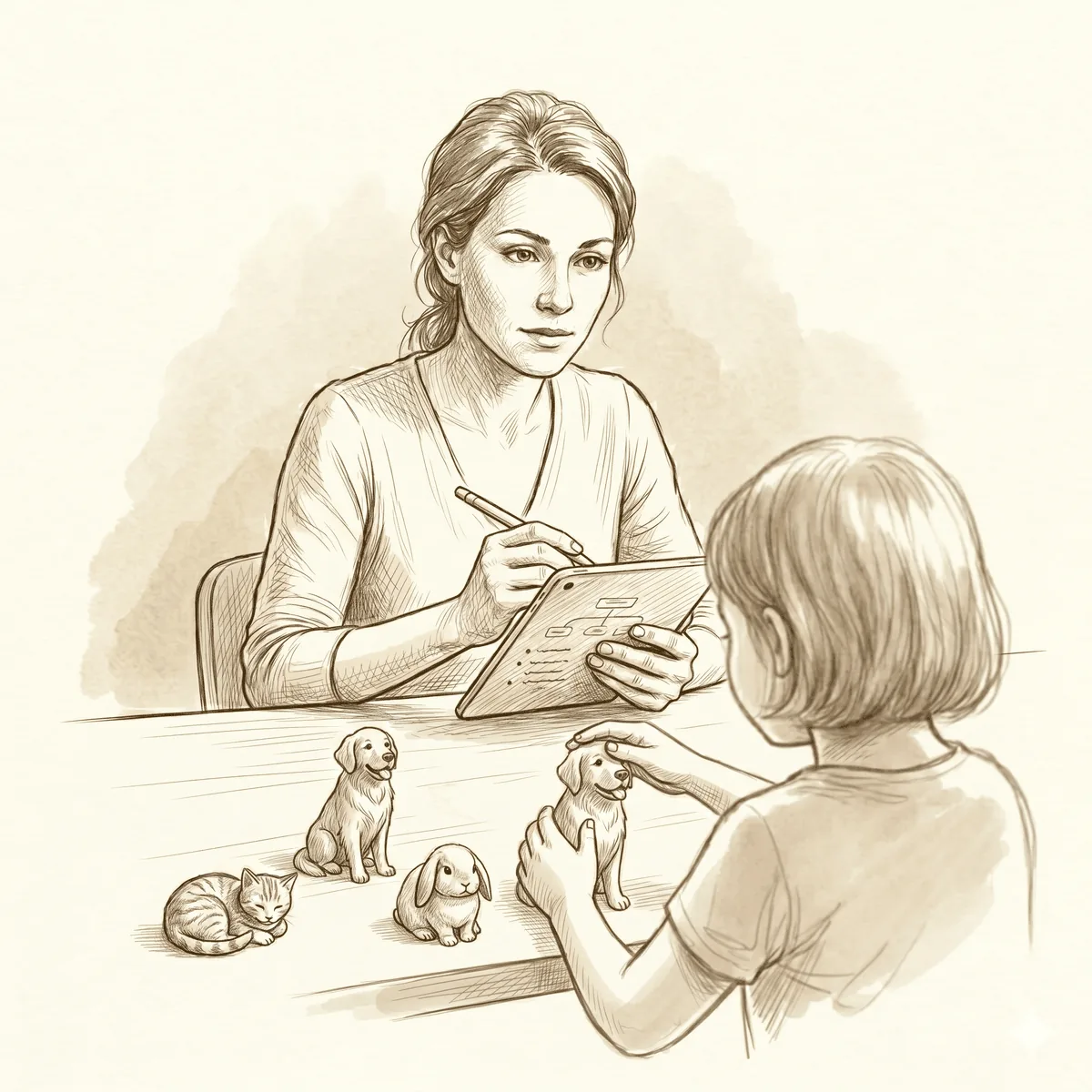
For when the tablet is not the right medium, or the learning needs physical materials in hand. The Instructor keeps the phone, with the recording pad open, and presents the real objects. These sessions land in the same record as tablet ones — one continuous history per student.
Lay out physical pictogram or photo cards from the library and record each match. Interlaza tracks the sample, the target, and the prompt level.
Define your own samples and comparisons as plain words — no images needed. Ideal for readers, labels, or materials you bring yourself.
No cards to choose from. You give a cue and score what the child says, sorted into four kinds of spoken response: repeating, asking for something, naming, and answering.
Before each session, print the trial plan — sample, comparisons, and targets laid out as a checklist, or pictograms as ready-to-cut cards — so the materials are staged before you sit down with the child.
Every trial records phase, prompt, response time and error patterns.
A percentage on a chart is worth whatever the session behind it is worth. Interlaza runs three checks on that session and shows you what each one found.
Two people watch the same session and mark each answer without seeing what the other marked. Interlaza compares the two records trial by trial and reports how often they agreed — per session and per concept, never as one average over everything — alongside a second figure that sets aside the agreements chance alone would produce. That comparison is interobserver agreement, and it is what turns a score into a measurement a second person could repeat.
The app already records what it did on every trial: which help it gave, how long the pause was, how many options were on screen. Interlaza reads that record back against the plan you set, with nothing extra for you to fill in, and names whatever it could not see instead of folding it into the score. That reading is procedural fidelity — and while it comes back unclear the app holds back its suggestions about the child, because a flat line can be describing the adult.
Some trials are there to check rather than to teach: a few trials with no help, no feedback and material the child has not practiced. Interlaza keeps those out of the mastery count in both directions — they never award mastery and they never break a streak. A trial the child did not answer is recorded as unanswered, not as an error. And the criterion that decides when a concept counts as learned is one you set in advance, not a number the app picked.
What these three checks do not do: none of them says the child learned. They say the record of the session can be read as the thing it claims to be. Whether what was taught carried over to new material is a separate check, and Interlaza reports it separately.
The reason behind every rule in a session →Free for everyone during the testing phase, until 30 November 2026 — no payment required.
5 students
For professionals managing multiple students.
Up to 25 students
For researchers and advanced practitioners needing full control.
Up to 100 students
For clinics, schools, and organizations.
Yes. The Professional plan is designed for clinical and school settings. The Institution plan adds organizational management features for clinics, schools, and multi-professional teams.
Interlaza runs in the browser — nothing to install, though you can add it to the home screen and use it like an app, offline included. The child-facing screen scales to whatever size it is given and never shrinks a touch target below 80 px, so a phone works. A 10-inch tablet is the best size: that is where the images render at full scale. A 7–8 inch tablet is comfortable too. Instructors can plan sessions and record off-tablet trials from a phone or computer.
You do. All session data is stored locally on your device. Cloud sync is optional. We never sell or share clinical data — it belongs entirely to you and your students.
Whether HIPAA applies at all depends on you, not on us — it binds covered entities and their business associates, so a private family is outside it and a clinic usually is not. What we can tell you is how the data sits: Interlaza is local-first, so session and student data is stored on your own device rather than on our servers, and cloud backup is optional and off by default. With it off, nothing leaves the device. If you turn it on and your organization handles protected health information, you will need a signed business associate agreement and your own risk analysis — contact us before switching it on. We never sell or share clinical data.
The Family plan supports a single learner. Professional includes up to 5 students at a flat monthly price. Researcher covers up to 25 students. Institution offers up to 100 students with custom pricing.
Hybrid activities with and without a tablet: combining materials, recording what happens, and studying transfer without confusing data with conclusions.
Read moreTen out of ten says nothing about what kind of contact the child has with the cards. Ribes tells five apart, and Varela's tests are how you find out which.
Read moreA child picks the blue circle when asked for the same one. Right or wrong? Julio Varela answers by changing one piece and watching whether the answer holds.
Read moreFree until December: we are in testing. No card, no payment.
Start free Or see the plans first