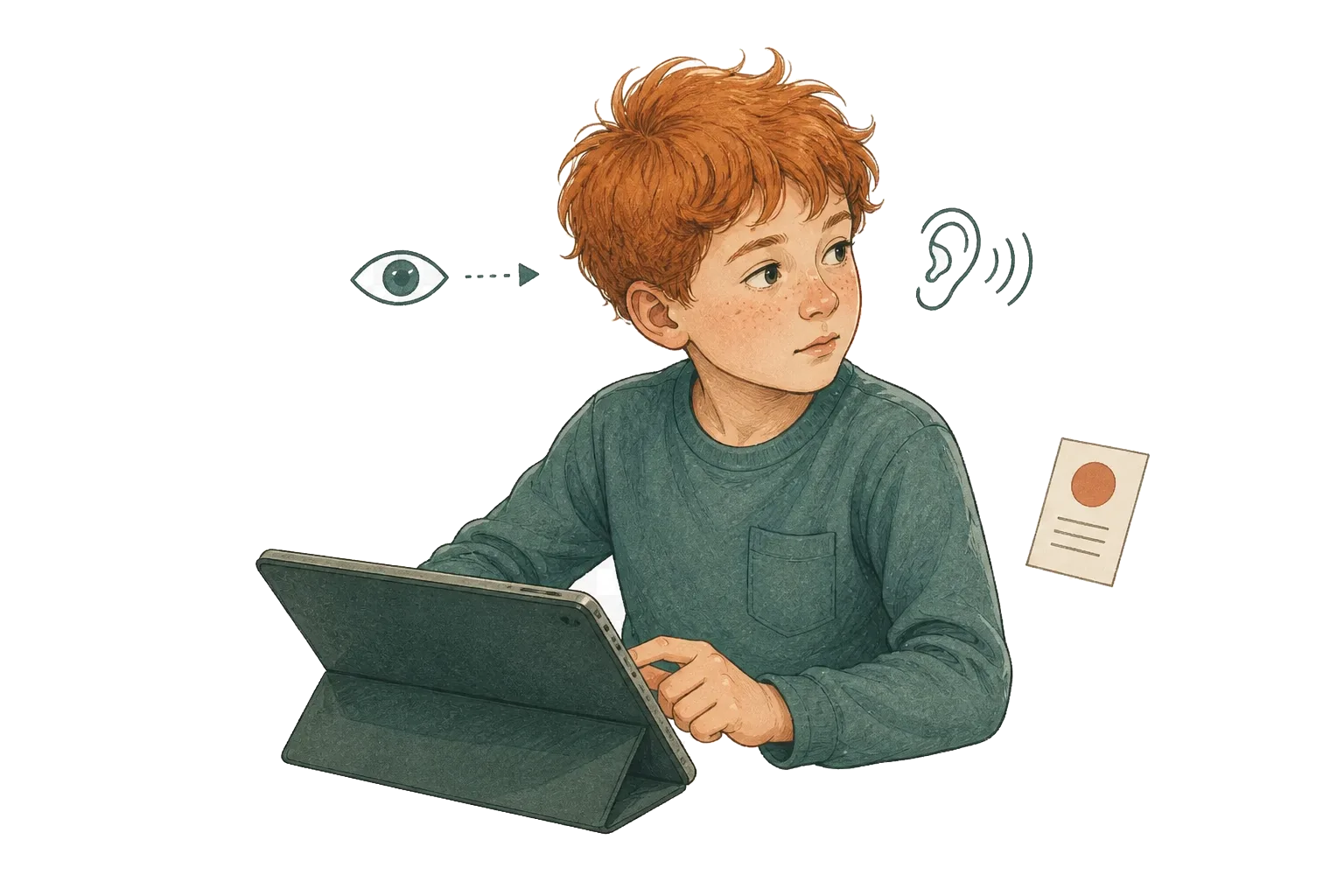
A child can look directly at a screen and miss the task. Another can glance away while still listening to the instruction. That is why a camera cannot measure “attention” in the full clinical sense.
It can still provide one useful piece of information: whether the child’s face appears oriented toward the screen at a particular moment. Interlaza deliberately keeps those two claims separate.
Figure — One visible signal, several possible realities
What the device can observe
Face oriented toward the screen
- Following the task
- Looking without processing
- Waiting for a prompt
- Interested in something beside the screen
Useful context — not a diagnosis of attention
What the signal is useful for
During a tablet activity, a trial should not quietly expire while the child has turned away for several seconds. Turning the orientation monitor on measures the signal; it does not by itself change how a session runs. An adult who also turns on the separate auto-pause option lets Interlaza use a sustained loss of orientation to pause the flow and wait for a better moment to continue — that second switch is off by default, because measuring is consent to observe, not consent to interrupt a child who may simply be looking away to regulate.
Where auto-pause is on, this helps protect the meaning of the trial record. It does not make every remaining response a pure measure of ability: motivation, prompts, motor access, the environment and the task itself still matter. The benefit is narrower and more credible — one known source of bad trials becomes visible instead of being guessed afterwards.
For an Instructor, that context can prompt better questions:
- Did errors cluster after several orientation breaks?
- Was the session too long, noisy or visually demanding?
- Does the learner work more comfortably with real objects or in a different setting?
- Did a prompt restore the response even though orientation never changed?
Those are decisions made with the learner, not by a camera.
Privacy is part of the feature
The front-camera frames are processed on the device and discarded; they are not photographs for an adult to review later. If the feature is not enabled, the camera is not used. If permission is declined or the device does not support it, the session can continue without the monitor.
This design limits what leaves the family’s device and the temptation to use facial video for claims the system cannot support. Interlaza keeps the useful signal without building a library of children’s faces.
How to read the result without overreading it
Call it orientation, not attention or engagement. Then read it beside the trial record and the adult’s observation. A high value does not prove learning; a low value does not prove unwillingness; and neither one diagnoses why the session went the way it did.
And a low value is not one thing: it can mean the camera found a face that was turned away, or it can mean no face was found at all for that stretch — poor lighting, the child out of frame, a device that doesn’t support the feature well. The second is a gap in the signal, not evidence the child looked away, and the two should not be read as the same event.
That restraint is what makes the information usable, not a weakness in the product. Interlaza helps families and Instructors notice patterns without pretending the software has seen inside a child.