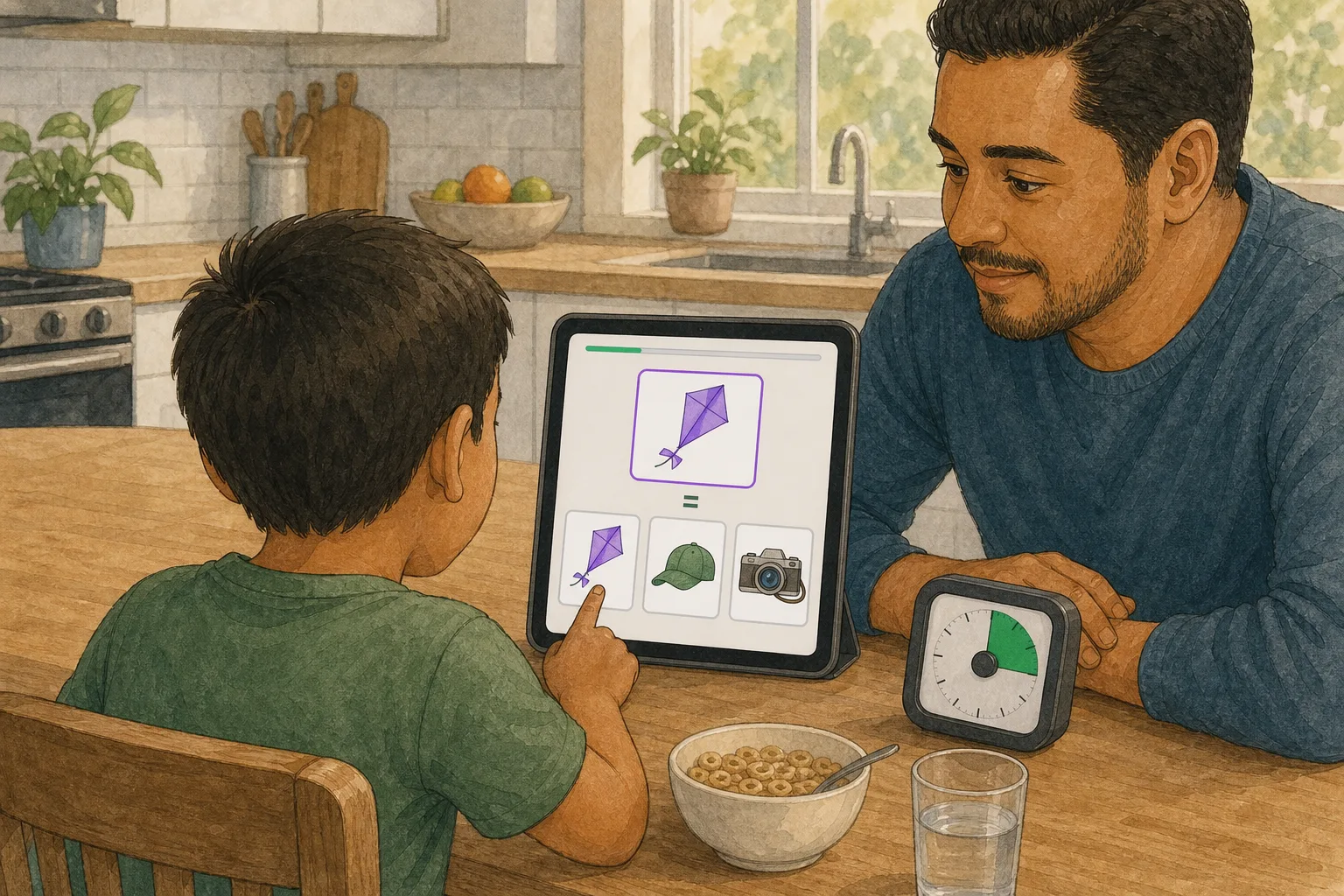
The question parents ask us most isn’t about the science or the pricing: “okay, but what do I actually do?” This article answers that. No theory — just a walk through a normal session on an ordinary Tuesday.
Before you start: the only things you need
A tablet positioned so the child can reach every target comfortably, and a short period when the room and the learner are available. Ten minutes is a useful upper bound for a first routine, not a quota. A smaller device may still work if targets remain comfortably tappable; check the actual activity rather than relying on inches alone.
A predictable cue can reduce the number of decisions: after the afternoon snack, in the same chair, or when the room becomes quiet. It does not have to be the same clock time every day. For some neurodivergent families, flexibility is what makes a routine sustainable.
Minute 0: you open the app
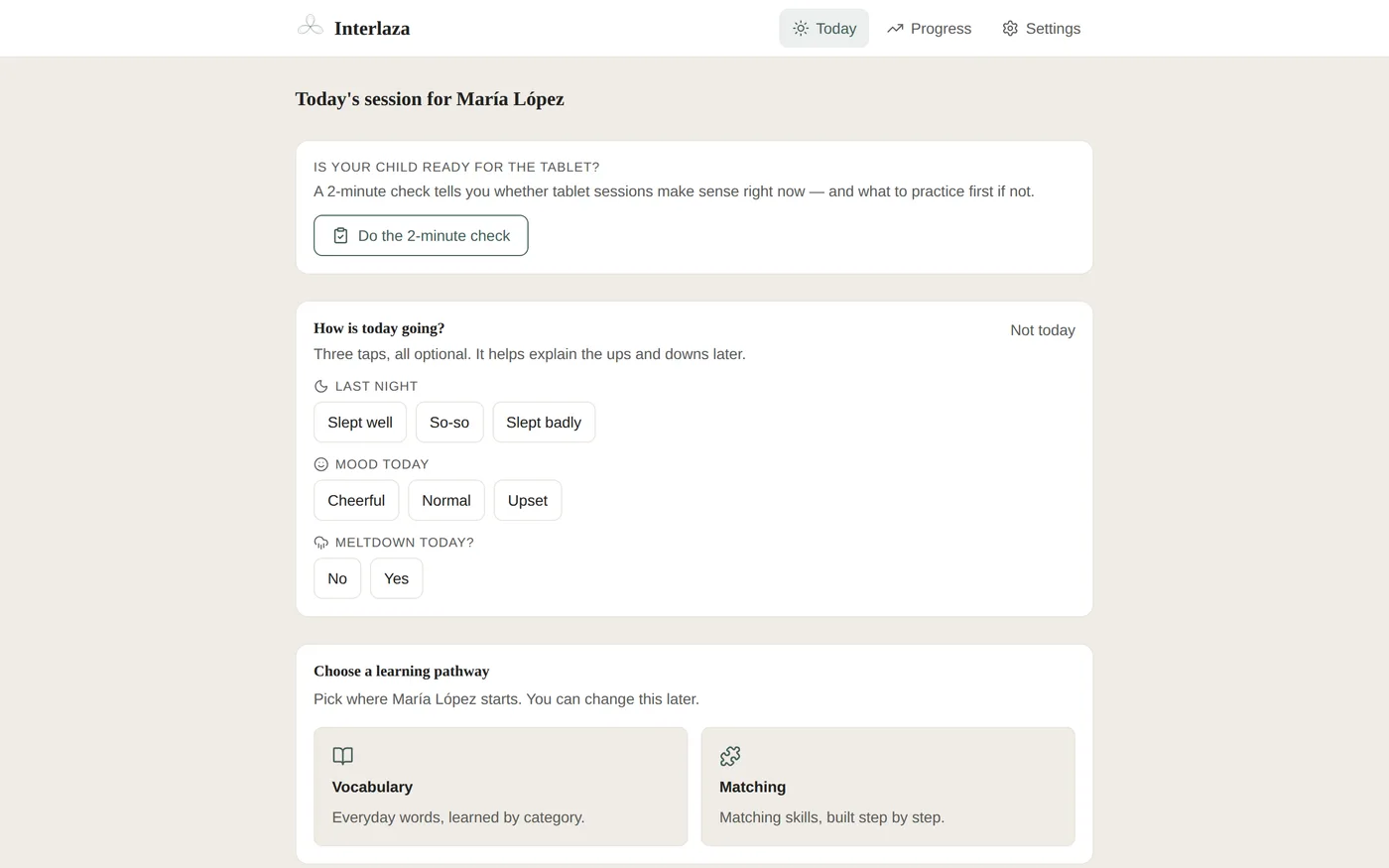
On the Family plan, once the welcome setup is finished and a learning pathway has been chosen, the app opens on the Today screen with the day’s session already prepared. You don’t pick exercises, you don’t configure anything, you don’t decide whether it’s “animals day” or “colors day” — the pathway plans from the last session that was saved. (Before that first choice is made, or briefly between one pathway finishing and the next being picked, there is no next session waiting yet — that’s the one moment this screen asks something of you.)
You tap start and hand over the tablet.
Minutes 1 to 9: your child works, the app adapts
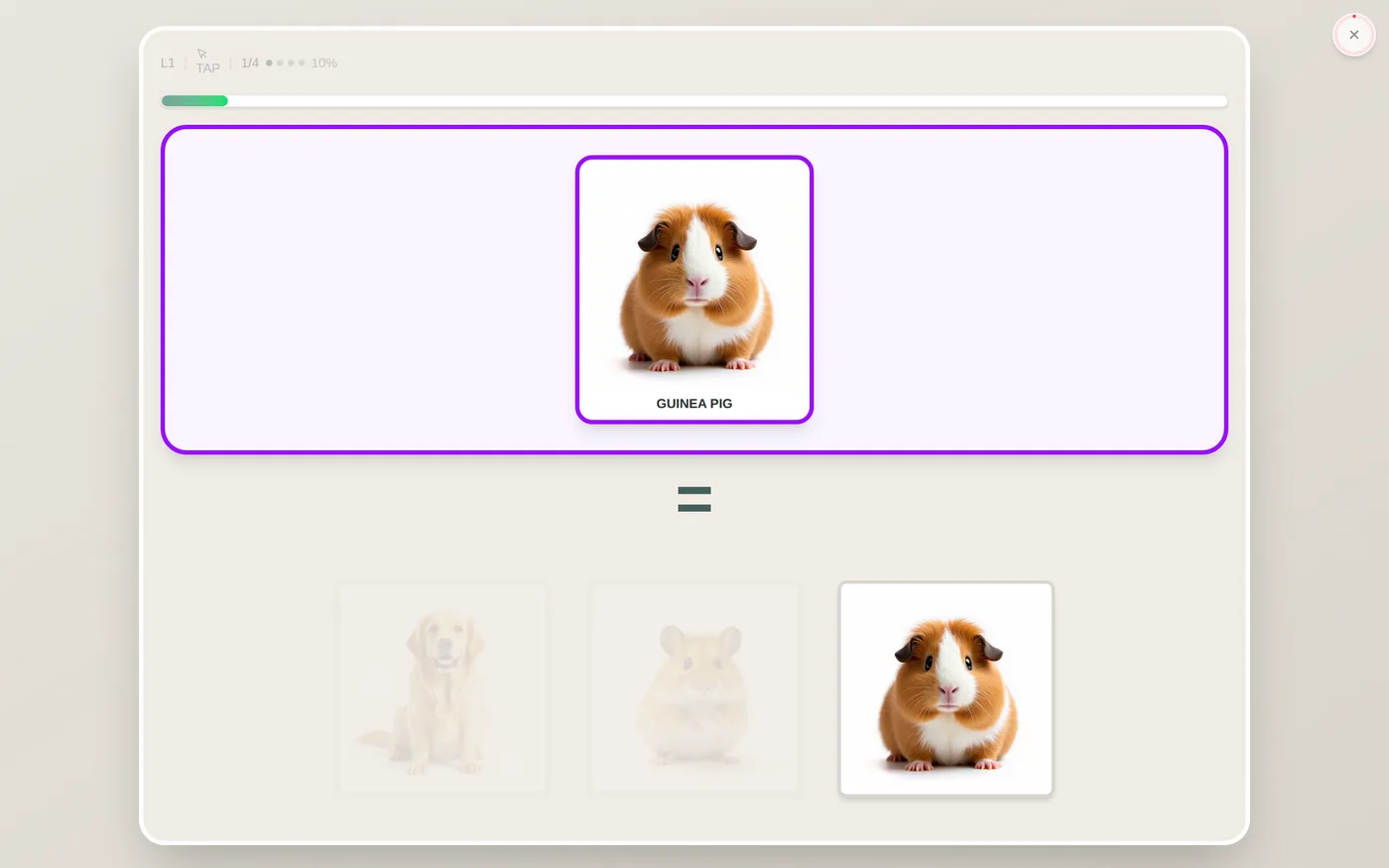
What your child sees is simple: an image on top (say, a dog) and two or more options below. They tap the one that matches. Success sound, a small celebration, next one.
What you don’t see is the interesting part:
- At the beginning, getting it right is easy on purpose. The wrong options appear faded, almost transparent. That’s errorless learning: the first tries with a new concept are designed to go well, because repeated early errors can make an activity aversive for some learners.
- Difficulty can adapt to response patterns. The app changes supports or comparisons under defined rules; the adult still judges whether sound, setting, motor access or fatigue make the session hard to interpret.
- It’s not all matching. As the pathway advances, part-and-whole puzzles show up, memory exercises (the picture disappears for a moment, then your child has to remember and pick it again), and find-the-different-one. To your child they’re different games; to the pathway, they’re ways of revisiting earlier targets and getting additional practice.
Your role during these minutes? Stay close, celebrate in the way your child prefers, and resist the urge to point at the answer. The app can adjust task difficulty from response patterns, but it cannot know whether the problem is sound, fatigue, motor access or the room. Give the learner time, then change or stop the conditions when needed.
Here is the whole session as the sequence you actually follow:
Minute 10: the recap
When the session ends, the app shows you how it went: how many were correct, which concepts were practiced, and a short note in plain language — no cryptic percentages, no jargon. Thirty seconds of reading gives you today’s result, not a verdict on the whole day — one session says less about your child than about that ten-minute window, so read it alongside how the rest of the day actually went before deciding it was a “good day” or a hard one.
The Progress tab has the big picture: minutes practiced this week, comparison with last week, which targets have reached their configured criterion and which are still being practiced.
Bad days count too
There will be days when your child doesn’t want to, taps randomly, or gets up after three minutes. That’s normal — the two habits from the sequence above (stop without forcing a final answer, don’t turn the session into a bargaining chip) are exactly for these days. One more thing worth checking: confirm the session was saved before moving on, since work from an interrupted session may be incomplete and cannot always be recovered.
Offline, in two languages
Sessions are designed to run locally and sync when the connection returns, but that only works if the day’s activity was already downloaded to the device before you lost the connection — check this ahead of a trip or anywhere the connection is unreliable, not in the moment. The setting still matters beyond connectivity: a plane, a waiting room and a quiet home are not equivalent learning conditions. In a bilingual home, Spanish and English are both supported; choose relations and languages deliberately rather than assuming that repeating one session in translation guarantees transfer.
Starting today
The Family plan comes with a 14-day free trial, and right now Interlaza is free for everyone until 30 November 2026. Ten minutes tomorrow after the afternoon snack — that’s the entire commitment it takes to see how it works.