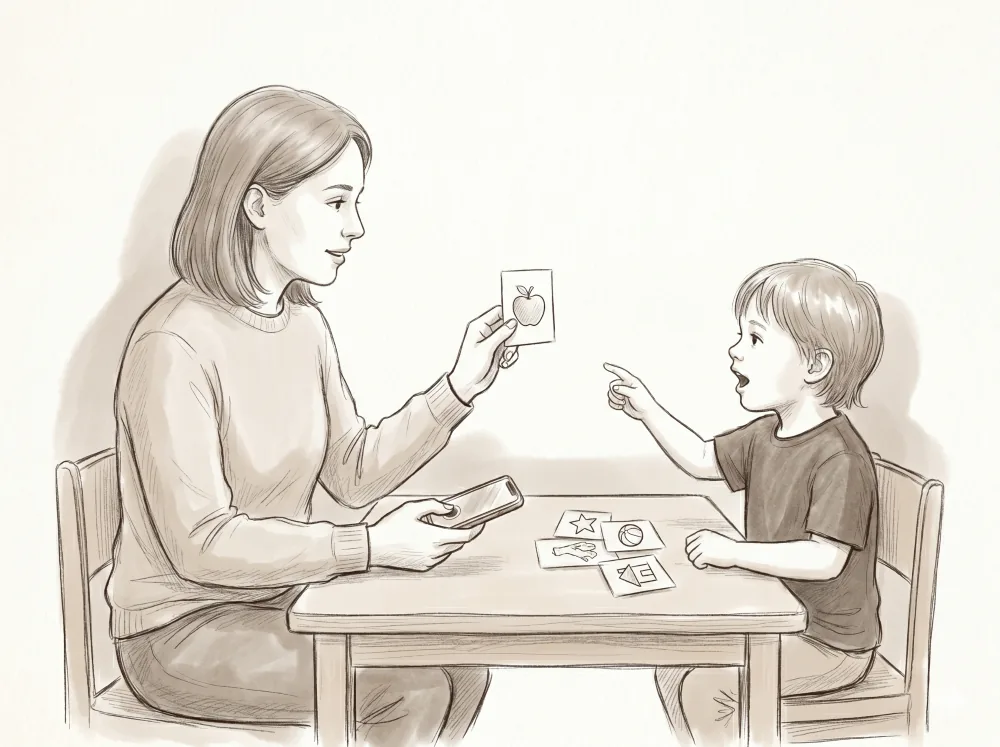
A tablet is a wonderful interface for a child who is ready for it. But plenty of learners aren’t — they’re too young, too active, still building the motor skills to tap a target, or simply learning something that lives off the screen entirely, like saying a word out loud. For a long time the honest answer for those sessions was paper and a pen, and a separate evening spent typing the data in.
That’s no longer the case. In Interlaza, off-tablet sessions are a first-class way to work, with the same trial-by-trial data, the same mastery tracking, and the same dashboard as a session the child runs themselves. The instructor presents the materials; the program does the planning and the recording.
The Tap Pad: scoring without looking away
The heart of an off-tablet session is the Tap Pad — the instructor’s data-entry screen, designed to be operated on a phone held in one hand while the other hand presents materials. The header tells you exactly what to present next and how many trials are left, so you never have to remember where you are in the program.
Below the header are four large zones, each scored with a single tap:
- Independent — correct, with no prompt.
- Prompted — correct, but with help. One more tap records which prompt you used, across five levels: gestural, verbal, model, partial physical, and full physical.
- Incorrect.
- No Response.
The whole point is that you keep your eyes on the child, not on the screen. One tap, occasionally two, and you’re ready for the next trial. If your practice never uses certain buttons — say you run errorless-only sessions and never score “Incorrect,” or you don’t track prompt levels — you can hide them per student, so the pad shows only what you actually use.
Three ways to run off the tablet
Off-tablet isn’t a single activity. It covers three distinct shapes of teaching:
Card-based MTS. Lay out physical pictogram or photo cards drawn from the concept library and record each match. Interlaza still tracks the sample, the target, and the prompt level — you’re just using cards on a table instead of tiles on a screen.
Text-only MTS. Define your own samples and comparisons as plain words — no images required. This suits early readers, label-matching, or any set of materials you bring yourself. You type the sample name, the comparison names, and which one is correct; the Tap Pad shows them during the session so you know how to lay out the table.
Free operant. No comparison cards at all. You present a cue and score the child’s spoken or signed response. This is the mode that opens the door to verbal behavior.
Free operant in depth
Match-to-sample always gives the child something to choose from. Free operant doesn’t — the response is produced from the cue alone, which is exactly how most everyday language works. Interlaza scores four verbal operants:
- Echoic — the child repeats what they hear (“Say ‘dog’” → “dog”).
- Mand — the child requests something they want.
- Tact — the child labels or names what they see.
- Intraverbal — the child answers a question or fills in the blank (“A dog says…”).
You present the cue — a question, an object, a hand-over — the child responds, and you score it on the same Independent / Prompted / Incorrect / No Response scale as every other activity. There are no images to manage; each trial defines its own cue and target. Because the scoring scale is shared, a free-operant trial feeds the same mastery criteria and the same Bayesian Knowledge Tracing estimate as a match-to-sample trial. One learner, one progression, regardless of how each skill is taught.
Print the plan before you sit down
Good in-person sessions are prepared in advance, so Interlaza lets you print the trial plan before you start. For card-based work, that’s the list of pictograms to gather, ready to cut out as cards. For text-only MTS and free operant, it’s a trial-by-trial sheet — cue, sample, comparisons, and the correct target laid out as a checklist. Print it, stage your materials, and the session itself is nothing but presenting and tapping. No PDF tooling required; it’s the browser’s own print dialog, so you can print on paper or save a PDF.
One record per student
The most important thing about off-tablet mode is what happens after the session: nothing extra. The data is already in the system. Off-tablet trials sync to the same dashboard as tablet runs and merge into one continuous record per student. The mastery curves, the accuracy charts, the prompt-level breakdowns — they don’t care whether a trial came from a child tapping a screen or an instructor tapping the Tap Pad. And if a supervisor is watching, live inter-observer agreement (IOA) shadow scoring lets a second observer score the same trials in parallel and compare in real time.
Choosing on-tablet or off-tablet
When you create a new pathway, Interlaza asks one question first: will the child work on the tablet or off the tablet? Pick on-tablet and you’ll choose concept categories from the library — animals, food, colors. Pick off-tablet and you skip straight to free operant and text-only activities that define their own content per trial. It’s a sensible default, not a wall: you can always mix activity types into a pathway later.
The result is that the interface meets the child where they are. A learner who isn’t ready to tap a screen doesn’t have to wait to start — and an instructor who teaches verbal behavior at a table gets the same research-grade record as everyone else.